Peiko App Download: Your Guide to Seamless Setup
Why the Peiko App is Essential
Whether you're using the TRBOX X9 for travel or the PEIKO WORLD earbuds for seamless voice interpretation, the Peiko app is your gateway to unlocking the full potential of these devices. With its intuitive interface and robust features, the app ensures that your Peiko products work flawlessly, offering real-time translation and customization options. If you're searching for "peiko alkalmazás letöltése," this guide will walk you through the steps to download and set up the app for a seamless experience.
How to Download the Peiko App
Downloading the Peiko app is straightforward and takes just a few minutes. Here’s how you can get started:
-
Visit Your App Store: The Peiko app is available on both the Google Play Store and the Apple App Store. Simply search for "Peiko Translator" in the store’s search bar.
-
Check Compatibility: Ensure your smartphone meets the app’s minimum requirements. Most modern Android and iOS devices are supported, but it’s always good to double-check.
-
Download and Install: Tap the "Install" or "Get" button to download the app. Once installed, open the app to begin the setup process.
-
Sign In or Create an Account: You’ll need a Peiko account to access all features. If you’re a new user, follow the prompts to create an account.
-
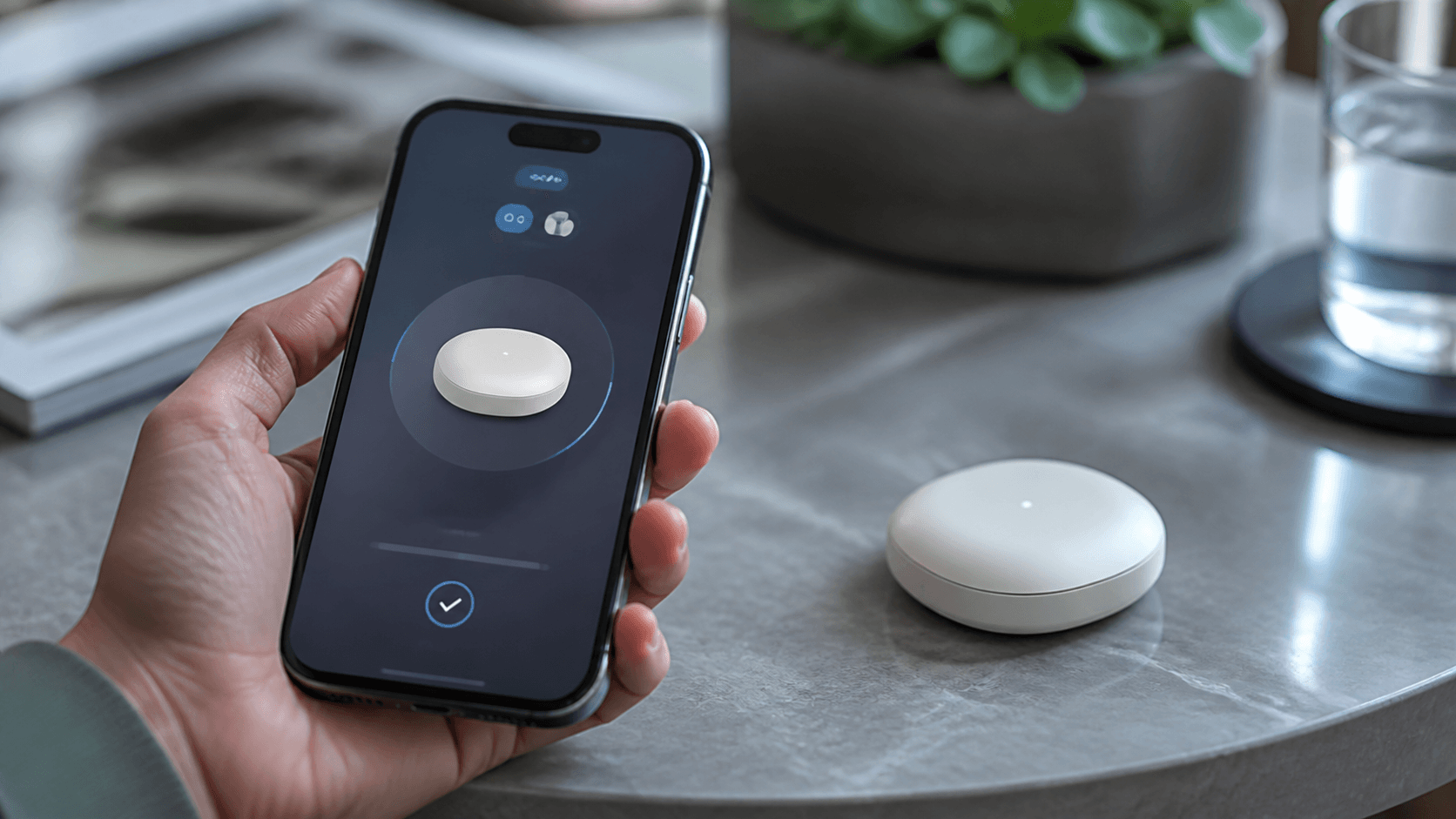
Pair Your Device: Use Bluetooth to connect your Peiko device to the app. For example, pairing the TRBOX 02 enables instant two-way translation in 150+ languages.
Setting Up Your Peiko Device
Once you’ve downloaded the app, the next step is to pair it with your Peiko device. Here’s a quick guide:
-
Turn On Your Device: Power on your Peiko device, such as the BTM-223 earbuds, and ensure it’s in pairing mode.
-
Enable Bluetooth: On your smartphone, enable Bluetooth and search for available devices.
-
Select Your Device: Tap on your Peiko device from the list of available Bluetooth connections.
-
Complete Pairing in the App: Open the Peiko app and follow the on-screen instructions to complete the pairing process.
-
Test the Connection: Use the app to test the translation functionality or other features to ensure everything is working correctly.
Features of the Peiko App
The Peiko app is designed to enhance your experience with Peiko devices. Here are some of its standout features:
1. Real-Time Translation
The app supports real-time translation in over 150 languages when paired with devices like the TRBOX 01. Whether you’re traveling or in a business meeting, you can rely on accurate and fast translations.
2. Customization Options
Adjust settings like voice speed, language preferences, and device-specific features directly from the app. For instance, the app allows you to fine-tune the light settings on the Nova T1 flashlight.
3. Offline Mode
For those moments when you don’t have internet access, the app offers offline translation options for select languages. Simply download the language packs in advance.
4. Firmware Updates
Keep your devices up-to-date with the latest firmware updates delivered through the app. Regular updates ensure improved functionality and new features.
5. User-Friendly Interface
The app’s clean and intuitive design makes it easy to navigate, even for first-time users. From pairing your device to accessing advanced features, everything is just a few taps away.
Troubleshooting Common Issues
If you encounter any issues while using the Peiko app, here are some quick fixes:
1. Connection Problems
- Ensure your device is fully charged.
- Restart your smartphone and Peiko device.
- Check if your Bluetooth is enabled and functioning properly.
2. App Crashes or Freezes
- Update the app to the latest version from your app store.
- Clear the app cache in your phone’s settings.
- Reinstall the app if issues persist.
3. Translation Errors
- Verify your internet connection for online translations.
- Ensure the correct languages are selected in the app.
- Download offline language packs if needed.
Why Choose Peiko for Translation?
Peiko has revolutionized the way we communicate across languages. With over 1 million devices sold worldwide as of 2025, the brand is a trusted leader in translation technology. Whether you’re using the TRBOX X9 for travel or the PEIKO WORLD earbuds for business meetings, Peiko offers reliable and innovative solutions.
For more insights into how Peiko is shaping the future of translation, check out our blog on entering the AI era and learn about our journey.
Conclusion
Downloading and setting up the Peiko app is a simple yet crucial step to fully enjoy the capabilities of your Peiko devices. Whether you’re searching for "peiko alkalmazás letöltése" or just looking to enhance your translation experience, this guide has you covered. From real-time translation to customizable features, the Peiko app ensures a seamless and efficient user experience.
Ready to get started? Explore our product lineup and download the Peiko app today to unlock the full potential of your device.
Related reading
More about peiko alkalmazás letöltése on Peiko: