Peiko Translator App Free Download: Your Complete Guide
Why the Peiko Translator App is a Game-Changer
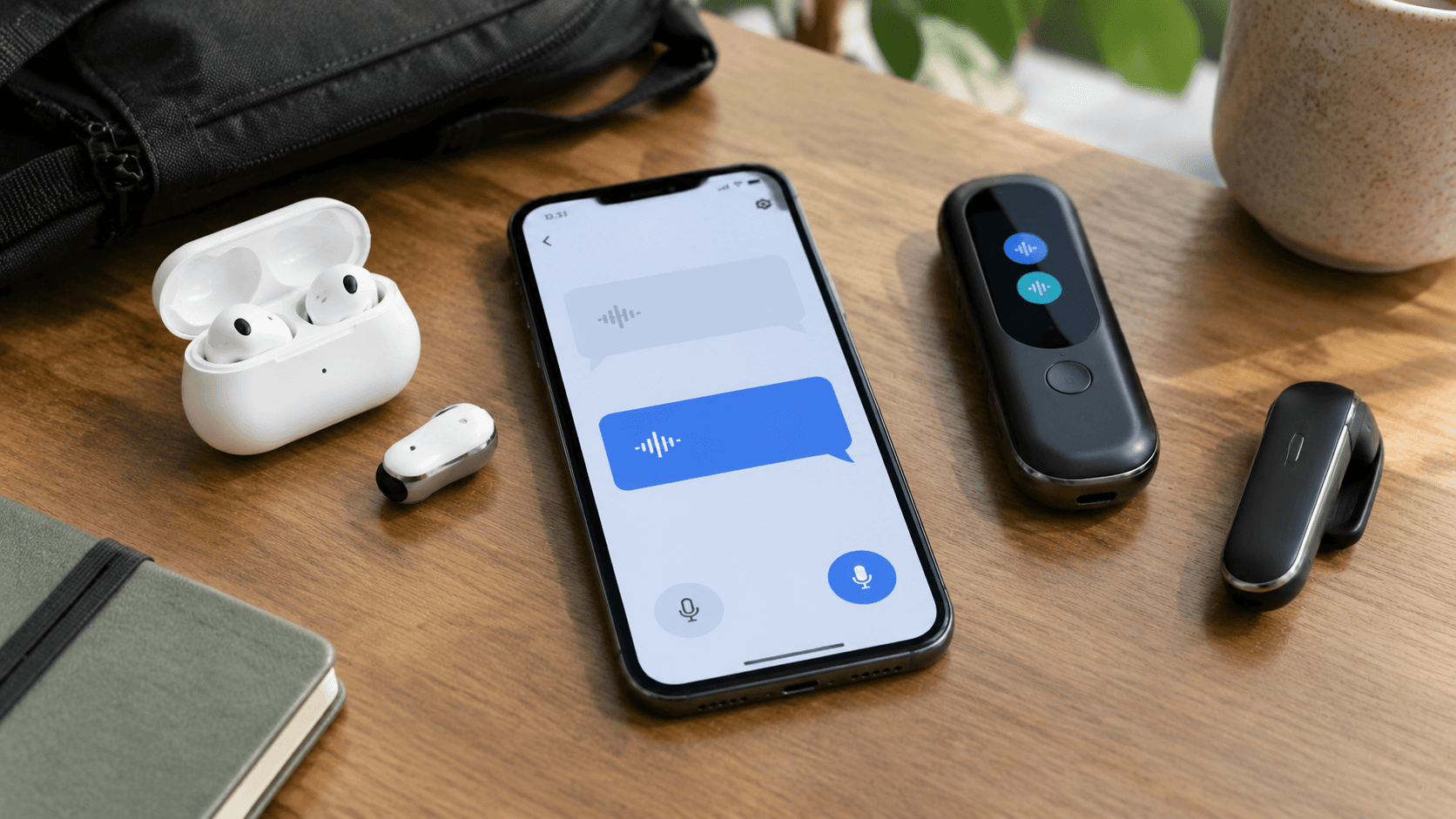
In today’s fast-paced, interconnected world, breaking language barriers has become more important than ever. Whether you’re traveling abroad, conducting international business, or simply connecting with friends from different cultures, having a reliable translation tool is essential. That’s where the Peiko translator app comes in. Designed to work seamlessly with Peiko’s innovative devices like the TRBOX X9 and PEIKO WORLD earbuds, this app is your gateway to real-time, accurate translations in over 150 languages.
The best part? The Peiko translator app is available for free download, making it accessible to everyone. In this guide, we’ll walk you through everything you need to know about the app, from its features to how to download and set it up.
Key Features of the Peiko Translator App
The Peiko translator app isn’t just another translation tool—it’s a comprehensive solution designed to make communication effortless. Here are some of its standout features:
1. Real-Time Translation
The app offers instant translation for spoken conversations, making it ideal for travel, business meetings, and casual interactions. Paired with devices like the TRBOX 02, it supports two-way communication in real time.
2. 150+ Languages Supported
From widely spoken languages like Spanish and Mandarin to less common ones, the app ensures you’re covered no matter where you are.
3. Seamless Device Integration
The app pairs effortlessly with all Peiko devices, including the BTM-223 earbuds and the TRBOX 01, enhancing their functionality for a smoother translation experience.
4. Offline Mode
For situations where internet access is limited, the app offers offline translation capabilities when paired with compatible devices.
5. User-Friendly Interface
The app is designed with simplicity in mind, making it easy for anyone to navigate and use, even if you’re not tech-savvy.
How to Get the Peiko Translator App Free Download
Downloading the Peiko translator app is quick and straightforward. Follow these steps to get started:
Step 1: Visit the Official App Store
The Peiko translator app is available on both the Apple App Store and Google Play Store. Simply search for “Peiko Translator” in your device’s app store.
Step 2: Download and Install
Click the download button and allow the app to install on your device. The app is completely free to download, so you won’t need to worry about any upfront costs.
Step 3: Pair with Your Peiko Device
Once installed, open the app and follow the on-screen instructions to pair it with your Peiko device. This step ensures you can fully utilize features like real-time translation and offline mode.
Step 4: Start Translating
You’re all set! Begin exploring the app’s features and enjoy seamless communication across languages.
Why Choose the Peiko Translator App?
With so many translation apps available, you might wonder what sets the Peiko translator app apart. Here’s why it’s the go-to choice for millions:
1. Tailored for Peiko Devices
Unlike generic translation apps, the Peiko translator app is specifically designed to work with Peiko’s range of devices. This ensures optimal performance and a more integrated user experience.
2. Constant Updates
Peiko is committed to innovation. The app receives regular updates to improve its accuracy, add new languages, and enhance user experience.
3. Free and Accessible
Accessibility is at the core of Peiko’s mission. By offering the app as a free download, Peiko ensures that everyone can benefit from advanced translation technology.
Tips for Getting the Most Out of the Peiko Translator App
To maximize your experience with the Peiko translator app, keep these tips in mind:
1. Keep Your App Updated
Regular updates ensure you have access to the latest features and improvements. Enable automatic updates in your app store settings to stay current.
2. Use Compatible Devices
For the best experience, pair the app with a Peiko device like the TRBOX X9 or PEIKO WORLD. These devices are designed to work seamlessly with the app, offering features like hands-free translation and noise cancellation.
3. Explore Offline Features
If you’re traveling to a location with limited internet access, make sure to download the necessary language packs in advance. This will allow you to use the app’s offline translation capabilities.
4. Practice Before You Travel
Familiarize yourself with the app’s features and test its capabilities before heading out. This will ensure you’re comfortable using it when you need it most.
Real-Life Applications of the Peiko Translator App
The Peiko translator app is not just for travelers. Here are some scenarios where it can make a difference:
1. Travel
Navigate foreign countries with ease by communicating with locals, reading signs, and understanding menus.
2. Business
Conduct meetings and negotiations with international clients without the need for a human translator.
3. Education
Learn new languages or assist in language learning with real-time pronunciation and translation features.
4. Everyday Conversations
Whether you’re meeting new people or hosting international guests, the app makes communication effortless.
Conclusion
The Peiko translator app is more than just a tool—it’s a bridge to new opportunities, connections, and experiences. With its free download and robust features, it’s a must-have for anyone looking to break down language barriers. Whether you’re using it with the TRBOX 02 for instant two-way translation or pairing it with the BTM-223 for hands-free convenience, the app ensures seamless communication wherever you go.
Ready to experience the world without language barriers? Head to your app store and get the Peiko translator app free download today.