Peiko Translator Instructions: Your Guide to Seamless Communication
Getting Started with Your Peiko Translator
Peiko translators are designed to make communication across languages effortless. Whether you're using the TRBOX X9, TRBOX 01, TRBOX 02, or PEIKO WORLD earbuds, understanding the setup process is key to maximizing their potential. This guide provides clear Peiko translator instructions to help you get started and use your device effectively.
Before diving into the specifics, ensure your device is fully charged and paired with the ByteEngine Translator app. This app is the backbone of Peiko’s translation ecosystem, enabling real-time, accurate translations in over 150 languages.
Unboxing and Initial Setup
When you first unbox your Peiko translator, you’ll find the device, a charging cable, and a quick start guide. Follow these steps to get started:
- Charge Your Device: Use the included cable to fully charge your translator. For earbuds like the PEIKO WORLD or BTM-223, ensure the charging case is also powered up.
- Download the ByteEngine Translator App: Available for both iOS and Android, the app is essential for online translation features. Search for "ByteEngine Translator" in your app store and install it.
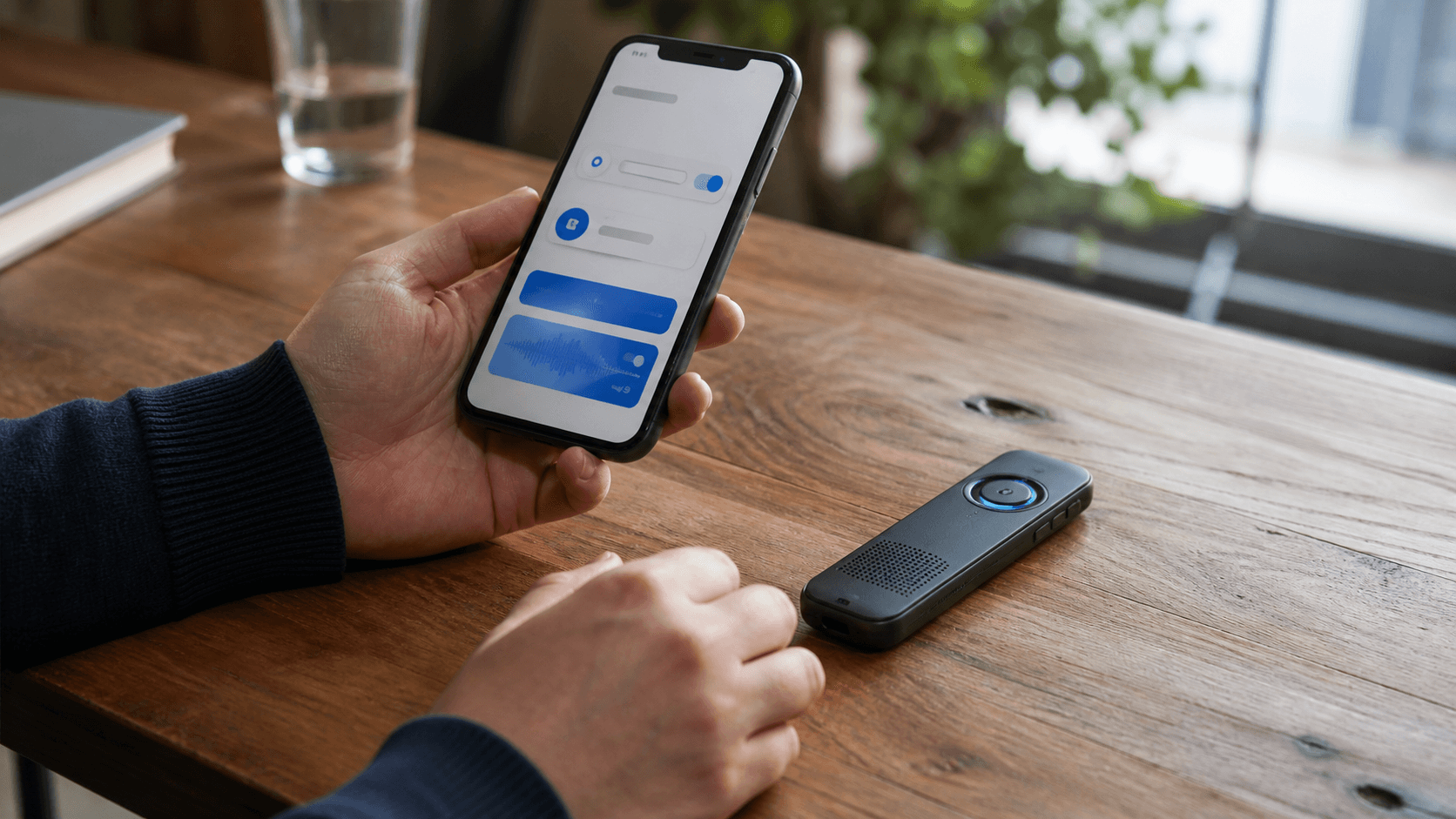
- Pair Your Device: Turn on your Peiko translator and enable Bluetooth on your smartphone. Open the ByteEngine app and follow the on-screen prompts to pair your device. For earbuds, ensure they are in pairing mode by following the instructions in the quick start guide.
- Update Firmware: Once paired, check for any firmware updates in the app. Keeping your device updated ensures optimal performance and access to the latest features.
For more detailed setup tips, check out our Peiko Translator TRBOX X9 Overview.
Using Your Peiko Translator
Selecting Languages
After pairing your device, you’ll need to select the languages you want to translate between. Open the ByteEngine app and:
- Choose the source language (the language you’ll be speaking).
- Select the target language (the language you want to translate into).
- Some devices, like the TRBOX 02, allow you to save frequently used language pairs for quick access.
Modes of Translation
Peiko translators offer multiple modes to suit different scenarios:
- One-Way Translation: Ideal for presentations or speeches. Speak into the device, and it will translate into the target language.
- Two-Way Translation: Perfect for conversations. Devices like the TRBOX 02 and PEIKO WORLD earbuds support instant two-way translation, enabling smooth dialogues.
- Offline Translation: For situations without internet access, some Peiko devices support offline translation. Download the necessary language packs in the ByteEngine app beforehand.
Voice Commands
Many Peiko translators, such as the TRBOX X9, support voice commands for hands-free operation. Simply say the activation phrase (found in your device’s manual) followed by your command, such as "Translate to Spanish."
Troubleshooting Common Issues
Even with the best devices, occasional hiccups can occur. Here are solutions to common issues:
Device Not Pairing
- Ensure Bluetooth is enabled on your smartphone.
- Restart both your device and the ByteEngine app.
- Check if the device is in pairing mode (refer to the quick start guide).
Translation Delays
- Ensure a stable internet connection for online translation.
- Close other apps running in the background to free up system resources.
- Update your device firmware via the ByteEngine app.
Poor Audio Quality
- For earbuds like the BTM-223, ensure they are securely placed in your ears.
- Clean the microphone and speaker openings to remove any debris.
- Adjust the volume settings in the ByteEngine app.
For more troubleshooting tips, visit our TRBOX 01 Field Notes.
Advanced Features to Explore
Peiko translators are packed with advanced features that go beyond basic translation:
Group Translation
Using the ByteEngine app, you can create a group chat where multiple users can communicate in different languages. This is particularly useful for business meetings or international events.
Custom Phrasebook
Save commonly used phrases in the app for quick access. This feature is a lifesaver for frequent travelers who often need to use the same phrases.
Integration with Smart Devices
Some Peiko translators can integrate with smart home devices, allowing you to control them using voice commands in different languages.
Explore more about the capabilities of our devices in the Peiko product lineup.
Tips for Effective Translation
- Speak Clearly: Enunciate your words to improve accuracy.
- Avoid Slang: Stick to standard language to ensure the translation is understood.
- Pause Between Sentences: Give the device time to process and translate each sentence.
- Test Offline Features: If you plan to use your device offline, test the downloaded language packs in advance.
Why Choose Peiko Translators?
Peiko has sold over 1 million devices worldwide, a testament to our commitment to quality and innovation. From the compact TRBOX X9 to the versatile PEIKO WORLD earbuds, our devices cater to a variety of needs, whether for travel, business, or everyday conversations. Learn more about our journey in Why We Built PEIKO WORLD.
Conclusion
Mastering your Peiko translator is simple with the right instructions. From initial setup to exploring advanced features, this guide equips you with everything you need for seamless communication. Whether you’re navigating a foreign country or conducting international business, Peiko translators are your reliable companion.
For more insights and product details, visit our Peiko product lineup.